
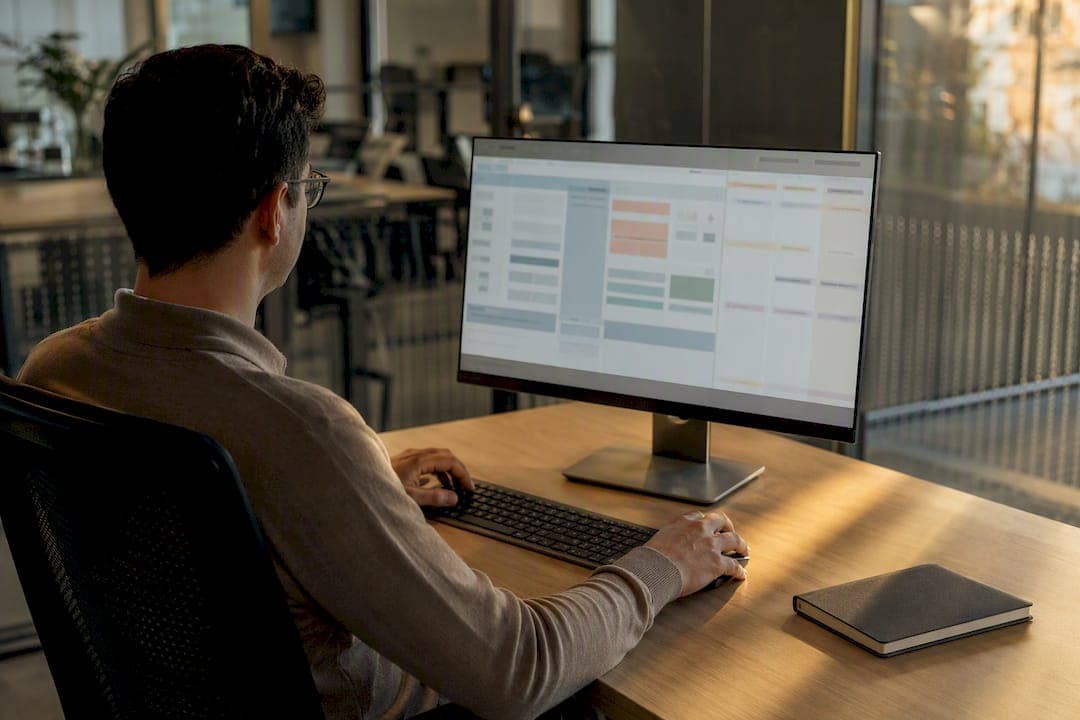
Task mining captures the clicks, keystrokes, and screen activity of people working at their desktops, then turns that raw activity into task graphs that show exactly where time and errors pile up. The immediate payoff is visibility: you finally see the manual work that system logs never record, and you get a ranked list of automation candidates instead of a guess. Use it when a process is repetitive, desktop heavy, and poorly documented, or when your process mining data has gaps that only screen-level detail can fill.
TL;DR:
Task mining is most effective for identifying manual, repetitive work within desktop-heavy processes that are poorly documented or have data gaps.
It relies on agent-based desktop recording, image recognition, and AI to create task graphs that reveal time-consuming steps and variation points.
Use task mining when internal tasks are slow and unclear, while process mining should be deployed first for broad process mapping across systems.
Privacy protocols like consent, whitelisting, and data masking are essential, and sampling should include regular employees to ensure data representativeness.
Successful projects require narrow scope, clear ownership, representative samples, and quantifiable goals, with a focus on rapid pilots over perfect datasets.
Table of Contents
How Task Mining Captures and Processes Desktop Work
A recorder or agent installs on the desktop and logs interactions such as clicks, keystrokes, application switches, and copy/paste actions, usually within a whitelist that limits capture to approved applications. Raw screenshots and events get run through OCR and event extraction to pull structured text and actions out of the visual noise, then sessionized into discrete task attempts.
From there, AI does the heavy lifting. It clusters similar screens and actions together, then merges thousands of individual traces into a single task graph that shows the common path and every variant branching off it, including decision points where humans made judgment calls. UiPath’s documentation describes this as recording variations of a known task and using AI to merge them into a graph automatically. Typical outputs include time-per-action breakdowns, variant frequency counts, and exportable artifacts like process definition documents or XAML files that hand off cleanly to automation development.
Task Mining vs Process Mining vs RPA: Picking the Right Tool
Task mining and process mining ask different questions because they pull from different data. Task mining watches desktop interactions directly. Process mining reconstructs a process from system event logs, such as timestamps in an ERP or CRM. IBM’s explainer draws this same line: task mining fills in the granular, screen-level detail that system logs miss entirely.
-
Task mining answers “how exactly does someone complete this step,” including copy/paste patterns and workarounds.
-
Process mining answers “how does this process flow end to end across systems,” revealing bottlenecks and handoff delays.
-
RPA is the execution layer. It runs the automation once you know what to build.
Run process mining first if you need the big-picture map. Run task mining when you already know which step is slow and need to see what people are actually doing inside it. Both feed RPA: task mining’s variant data and time estimates give automation developers a validated blueprint instead of a guess.
Where Task Mining Pays Off: Use Cases and Benefits
Accounts payable, customer service, IT support, HR onboarding, and sales operations are the domains where task mining finds the most hidden manual work, largely because these teams juggle multiple systems that were never designed to talk to each other. A support agent copying ticket details between three separate tools generates dozens of micro-tasks that never show up in any system log, and task mining catches every one of them.
Common benefits practitioners report include:
-
Faster automation discovery, since candidates surface from real behavior instead of interviews and guesswork
-
Accurate time-per-task and frequency data that turns “this feels slow” into a number
-
Standardization insight, showing where top performers deviate from average ones
Illustrative calculation: a task taking three minutes and performed 2,000 times annually represents 100 hours of baseline work. That is an opportunity estimate, not 100 hours automatically saved. Compare post-change handling time, exceptions, adoption, and implementation and operating costs before calculating benefit.
The Risks, Limits, and Privacy Rules You Can’t Skip
Desktop recording touches personal work behavior, so consent, whitelisting, and data minimization aren’t optional extras. Capture only whitelisted applications, mask sensitive fields, and tell employees what’s being recorded and why before you start.
Sampling matters as much as governance. The Decisions whitepaper on task mining recommends mixing high performers with average ones and capturing multiple sessions per person across normal working days, since recording only your best (or worst) employee skews the whole dataset.
Even clean data gets noisy. Dozens of near-identical variants can bury the pattern you’re looking for, and someone still has to review edge cases by hand. That’s why practitioner checklists on baseline process mining projects treat data preparation as the majority of the actual work, not a formality before the “real” analysis starts. Assign a named owner, set acceptance criteria up front, and run a compliance check before any pilot goes live.
Running a Task-Mining Project: The Step-by-Step Checklist
A task-mining pilot succeeds or fails on scope and ownership, not on the software you pick. Here’s the sequence that works:
-
Scope narrowly. Pick one to three high-volume processes and name a single business owner accountable for acting on findings, a step enterprise process mining guidance treats as non-negotiable.
-
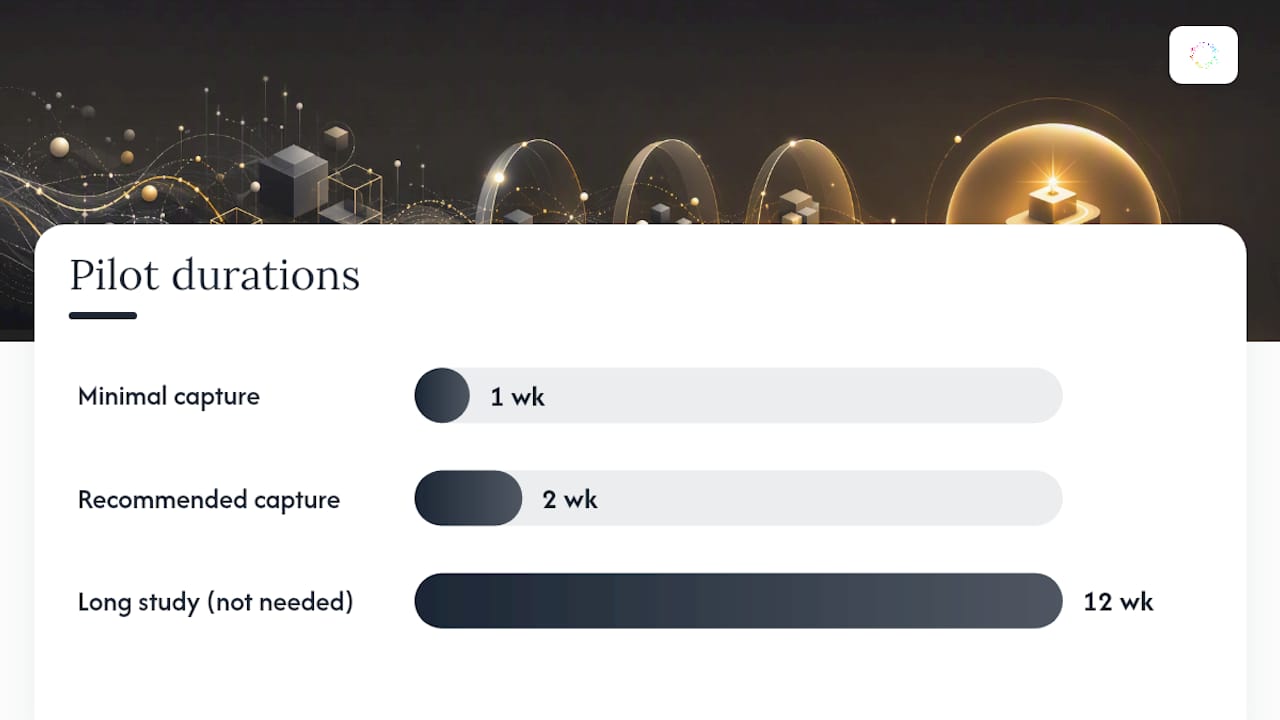
Collect a representative sample. Include relevant roles, normal workloads, and important exceptions. Choose the observation period based on task frequency and variation; a fixed user count or short capture window does not establish that every variant has been found.
-
Analyze and prioritize. Merge traces into a task graph, score variants by frequency and time cost, and rank candidates by hours saved per year.
-
Act on the top candidates. Draft a process definition document or playbook, prototype the automation, then measure before and after with the same metric you used to prioritize it.
Success criteria should be concrete before you start: a minimum volume threshold, an estimated hours-saved figure, a named owner, and a fixed timeline for the pilot decision.
Pro Tip: Keep the first study narrow enough to review and act on. Expand the sample if it misses important work cycles or exceptions rather than treating a fixed pilot duration as proof of coverage.
Reading Task Graphs, Variants, and Exported Playbooks
A task graph is a map: nodes represent screens or actions, edges represent transitions, and forks mark decision points where the process legitimately splits. The main path through the graph is usually the most common variant; everything branching off it is worth a second look, since branches often reveal either exceptions worth automating separately or bad habits worth correcting.
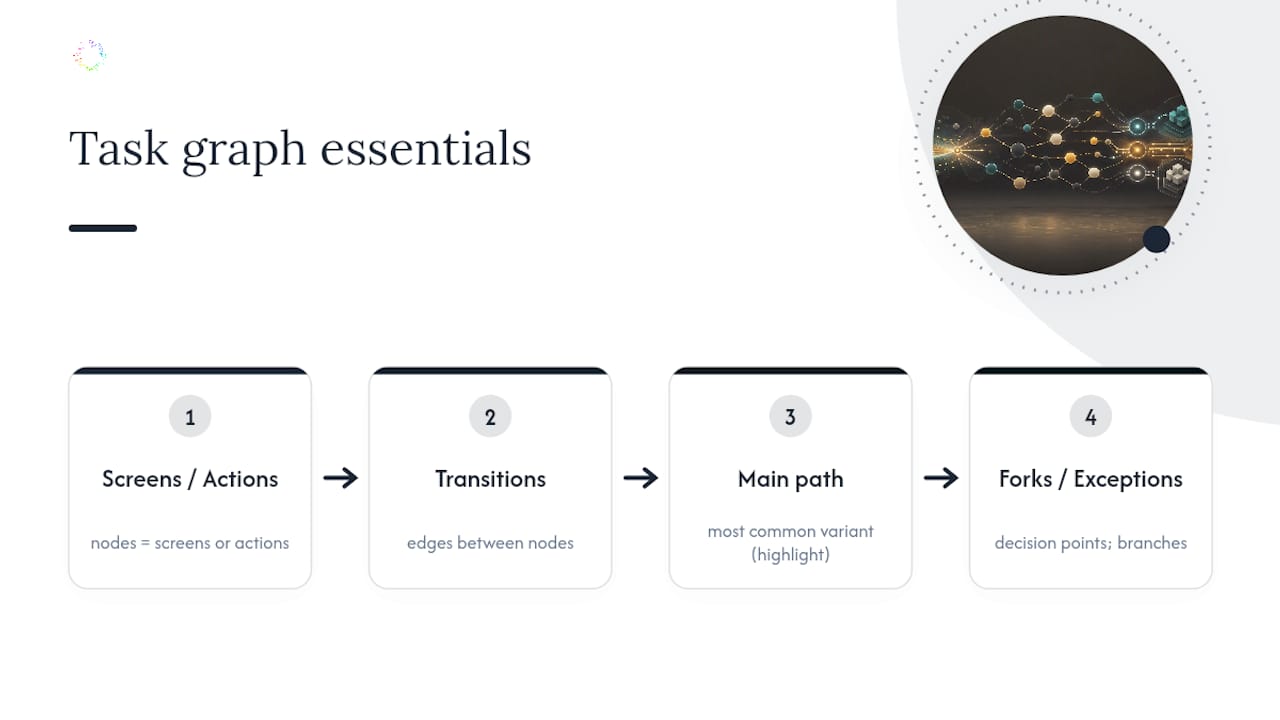
Estimating automation effort starts with counting decision points. More forks generally mean more business logic to encode, which raises development cost even if the task itself looks simple. When you export a PDD or playbook, include the contextual notes an engineering team can’t infer from the graph alone: which exceptions are rare edge cases versus daily occurrences, and which steps depend on data outside the recorded application.
Where Orchard Fits in Work Analysis
Orchard helps operations, IT, and service delivery teams investigate repeated work across supported applications. Consider it when reports show the outcome but leave the preparation, copying, and handoffs unexplained.
For example, a weekly client report may involve exports, spreadsheet cleanup, and repeated checks. Use Isaac, Orchard’s AI, to investigate the available activity, then review the pattern and exceptions with the people doing the work.
| Evaluation question | What to check with Orchard |
|---|---|
| Does it fit our environment? | Activity capture uses enrolled Windows computers. Supported browser interactions require the browser extension and Windows bridge. Confirm your applications and actions during setup. |
| What can we produce? | Investigate the workflow, draft a procedure, and decide whether to remove duplicate handling or configure and test a supported automation. |
| What does monitoring collect? | Collection depends on your settings. Monitoring excludes screenshots and raw keystroke logs. Full capture or work recording can include committed field values and clipboard text; recognized password fields are excluded, but sensitive content in ordinary fields may still be captured. |
| How do we assess value? | Choose a recurring task and a named owner. Compare completion time, accuracy, rework, and review effort using the team’s records. Activity alone does not establish the reason for a delay. |
| What will it cost? | Review current pricing for covered computers. Confirm any separately scoped implementation, integration, or automation delivery work. |
If existing reports already answer your process question, establish what additional evidence Orchard would provide before expanding the evaluation. Product examples using sample data illustrate the workflow; they are not customer savings results.
Explore Orchard for recurring-work discovery, then review deployment requirements and security and data handling. A demo lets you discuss your workflow and setup without installing software or uploading data.
Where Task Mining Fits in an Automation Roadmap
Choose task-level observation when the question concerns a desktop routine; use system event logs when they can answer a broader process question. Name a business owner, define the evidence needed, and validate findings before committing to automation. Request an Orchard briefing to discuss your workflow and the scope of an evaluation.
— Katie